

With ImageMagick you can create a really magic things like this one…
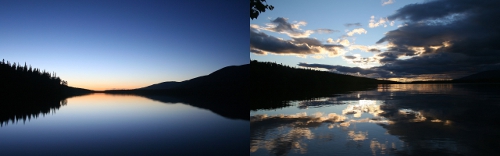
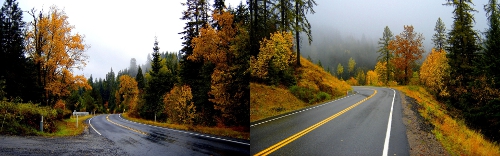
You have a dual monitor setup and you want to set for each one a special background, no problem now comes ImageMagick into play to montage two different backgrounds into a single one. Get to work:
Install ImageMagick:
1 | aptitude install imagemagick |
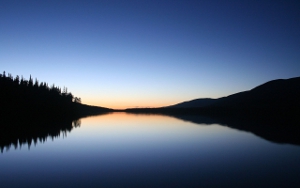
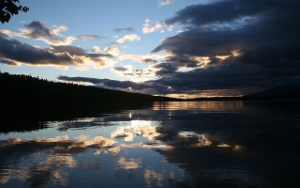
Montage backgrounds one and two(1.jpg and 2.jpg) into a large one (background.jpg).
1 | montage 01.jpg 02.jpg -tile 2x1 -geometry "2560x1600+0+0" -mode concatenate background.jpg |
The results? A great one!
Plus this one:)
OR
Leave a Reply